
Trending AI Design Skills to Watch in 2026
A practical roundup of design-focused AI agent skills from the Awesome Skills index, including frontend design, Figma workflows, design systems, brand guidelines, and visual asset generation.
Awesome Skills Team
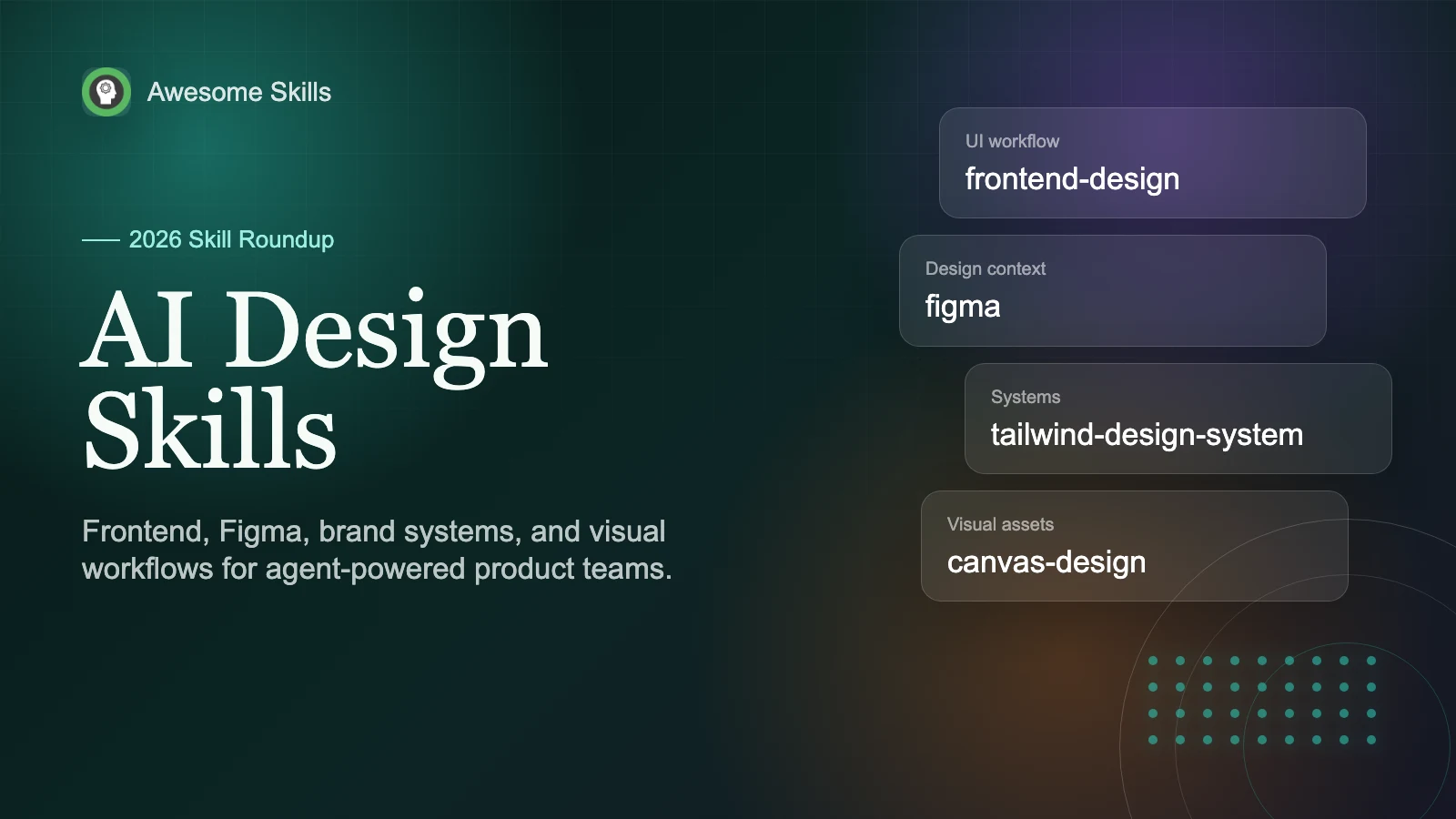
Trending AI Design Skills to Watch in 2026
Design skills are one of the more interesting corners of the agent skills ecosystem right now. Not because they promise to replace designers overnight. That framing is usually too vague to be useful. The real shift is more practical: teams are starting to package taste, interface rules, brand constraints, Figma handoff steps, and design-system habits into reusable SKILL.md workflows.
That is exactly the kind of work agent skills are good at. The open Agent Skills format describes a skill as a folder with a SKILL.md file, optional scripts, references, and assets that an agent can load only when the task calls for it. OpenAI describes skills in a similar way: reusable workflows that help ChatGPT follow the same process without asking you to repeat the same prompt every time.
For this roundup, we looked through the current Awesome Skills index for design-heavy patterns, then checked public documentation around skills and Figma's agent workflow. This is not a strict ranking. It is a practical map of the design-related AI skills worth testing if you build websites, product UI, prototypes, brand assets, or design systems with AI agents.
How We Picked the Shortlist
Searching for "design" alone is noisy. It catches API design, database design, deployment design, and architecture skills that have nothing to do with visual or product design. So we grouped the candidates by the job they actually help with:
- turning product requirements into frontend UI
- using Figma as design context for an agent
- keeping components, tokens, and Tailwind patterns consistent
- applying brand guidelines across artifacts and documents
- creating visual covers, posters, and static assets
- building richer HTML artifacts and prototypes
The best design skills in the index are not just prompt packs. They tell the agent what to inspect first, what visual mistakes to avoid, when to use existing design-system rules, and how to judge whether the output feels generic.
The Skills Worth Trying First
| Skill area | Representative skill | Best fit | Watch out for |
|---|---|---|---|
| Frontend UI design | frontend-design | Product pages, dashboards, components, visual redesigns | It still needs real product constraints, not just "make it beautiful" |
| Figma workflow | figma | Design-to-code, component inspection, Figma MCP workflows | Good Figma context helps, but it does not guarantee pixel-perfect code |
| Design systems | tailwind-design-system | Tokens, component libraries, responsive patterns | Best after you already know the product's design direction |
| Static visuals | canvas-design | Blog covers, posters, art boards, PDF visuals | Better for visual assets than complex app logic |
| Brand consistency | brand-guidelines | Branded docs, decks, landing pages, campaign assets | Needs accurate brand inputs or it will invent style rules |
| Theme styling | theme-factory | Fast theme direction for artifacts, docs, slides, and pages | Useful for exploration, less useful as a source of final brand truth |
| Interactive artifacts | web-artifacts-builder | Prototypes, multi-component artifacts, shadcn/Tailwind demos | Can be heavier than needed for a simple landing section |
If you only install one, start with a frontend design skill. If your team already works in Figma, add a Figma-aware skill next. If the problem is consistency across many screens, bring in design-system and brand-guideline skills before you ask the agent to produce more UI.
1. Frontend Design Skills Are Becoming the Default UI Layer
The most visible pattern in the index is the rise of frontend-design variants. Some come from large public repositories, while others are project-specific versions tuned for a particular app or product. The shared idea is simple: a coding agent should not treat UI as an afterthought.
A good frontend design skill usually tells the agent to inspect the existing codebase, identify spacing and typography patterns, understand the current component system, and avoid generic AI aesthetics. That is a better starting point than a loose prompt like "make this page look modern." It gives the agent a design job, not just a styling command.
Use this kind of skill when you are building a new screen, redesigning an awkward dashboard, or adding a component that must fit an existing app. It can force the agent to make explicit visual decisions: density, hierarchy, layout rhythm, color restraint, mobile behavior, and interaction states.
The tradeoff is context. These skills work best when paired with screenshots, existing pages, or clear audience notes. Without that, the result may still be polished but wrong for the product.
2. Figma Skills Are Moving From Nice-to-Have to Workflow Glue
Figma-related skills are the fastest-changing part of this category. Figma's own MCP server documentation says it can provide design information and context to AI agents generating code from Figma files, and it can also support writing native Figma content back to the canvas.
In practice, a Figma skill gives the agent a ritual: fetch the right node, inspect variables and components, look at the selected frame, pull assets when needed, and only then implement. It reduces one common failure mode: the agent inventing a layout from memory while a precise design exists elsewhere.
The best use case is not "turn any Figma file into production code." A better use case is narrower: use Figma context to implement one screen, match an existing component system, or translate design tokens into a codebase that already has patterns.
For Awesome Skills readers, this makes the Figma skill a strong companion to frontend-design. One skill brings design context in; the other helps turn that context into a usable interface.
3. Design-System Skills Matter After the First Good Screen
It is easy to get one impressive AI-generated screen. The harder problem is getting the fifth and tenth screen to feel like the same product.
That is where design-system skills become useful. A skill like tailwind-design-system focuses on tokens, component libraries, responsive behavior, and repeatable UI patterns. It is less glamorous than a fresh hero section, but it solves the problem teams actually run into after a few rounds of AI-assisted work: every screen starts to drift.
These skills are a good fit when you already have a direction and need to make it durable. They can help define semantic color tokens, spacing scales, component states, table patterns, card density, form behavior, and dark-mode rules. They also make review easier: instead of asking "does this look good?", you can ask whether the output follows the system.
For small experiments, this may be overkill. For a SaaS app, dashboard, marketplace, or internal tool, it is often the difference between a demo and a maintainable product.
4. Brand and Theme Skills Are Quietly Practical
Brand skills are easy to underrate because they sound softer than "build a component." But they are useful whenever the output crosses formats: a landing page, a slide deck, a report, a blog cover, and a product screenshot all need to feel related.
brand-guidelines and theme-factory sit in that layer. The former works best when you already have brand rules, colors, typography, logo usage, voice notes, or examples. The latter is better for fast exploration, where you want a coherent visual direction before committing to a full system.
The practical advice is simple: do not ask an agent to "use our brand" unless the brand is actually available to it. Give it the logo, colors, sample pages, screenshots, and any forbidden patterns. A brand skill can preserve those decisions across formats, but it cannot discover private taste from nothing.
This is also where design skills become useful outside product teams. Marketers, founders, and content teams can use these skills to keep generated artifacts from looking like unrelated one-offs.
5. Canvas and Visual Asset Skills Fill a Different Gap
Not every design task is a product interface. Blog covers, poster concepts, diagrams, static art boards, and PDF visuals need a different workflow. That is where canvas-design fits.
The value of a canvas-style skill is not just image generation. It usually carries a visual design process: composition, hierarchy, focal point, typography, color, and export expectations. That matters because a cover image can satisfy the prompt while still looking unusable.
Use canvas skills when the output is a finished visual asset. Use frontend or Figma skills when the output must become working UI.
A Practical Stack for Design-Heavy Agent Work
If you are building a product with AI assistance, I would not install every design-related skill at once. Start with a small stack:
- frontend-design for pages, components, layout, and visual polish.
- figma if your source material lives in Figma or your team uses design tokens there.
- tailwind-design-system once you need consistency across multiple screens.
- brand-guidelines when outputs need to match a real brand across web, docs, and slides.
- canvas-design for covers, posters, and standalone visuals.
This sequence mirrors how most teams actually work. First, you need one useful interface. Then you need it to match the design source. Then you need the pattern to scale.
Why Trust This Roundup
This guide is based on a review of the current Awesome Skills index plus public documentation for Agent Skills, OpenAI skills, and Figma's MCP server. The focus is practical fit: what each skill helps an agent do, where it tends to fail, and which workflow it belongs to.
The list will change as more teams publish project-specific skills. That is part of the point. Design skills are becoming less like one universal prompt and more like small, portable design operations.
Final Takeaway
The hottest AI design skills are not the ones with the flashiest descriptions. They are the ones that reduce ambiguity. A strong frontend skill tells the agent what good UI means in context. A Figma skill brings real design files into the workflow. A design-system skill prevents drift. A brand skill keeps output recognizable. A canvas skill gives static visuals a real composition process.
If you want to explore more, start with the Awesome Skills collection, search for "frontend design", "Figma", "design system", or "brand guidelines", and compare the actual SKILL.md instructions before installing. The description gets a skill discovered, but the instructions are what decide whether it will help your next design task.